

What's new in this release?
This month's release builds on recent improvements to the Data Review Tool, making it easier to update screen text at scale and improving text detection when screenshots aren't ideal. We're also highlighting a few key capabilities from 2025 that continue to see strong adoption across frontline teams.
Skyllful Studio: Replace All for CSV-driven find and replace
Managing bulk text updates across screens is now faster and more flexible.
When using CSV-driven find and replace, you can now:
- Remove or add individual CSV rows from/to a replace job without having to download and edit the CSV file
- Replace all detected matches in a single action (previously, you had to replace one item at a time)
- Review match counts before applying changes
This is especially useful when updating names, IDs, or repeated values across multiple screens.
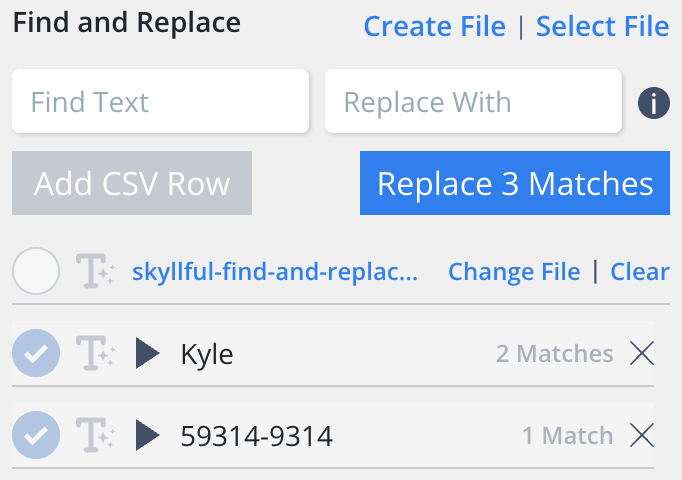
Replace All applies every detected match across screens in a single action.
Skyllful Studio: Enhanced text detection for screenshots
We've added an optional Enhanced Text Detection process for screenshots where standard detection may struggle.
This option can help identify text in:
- Low-resolution images
- Compressed screenshots
- Screens captured from legacy or remote systems
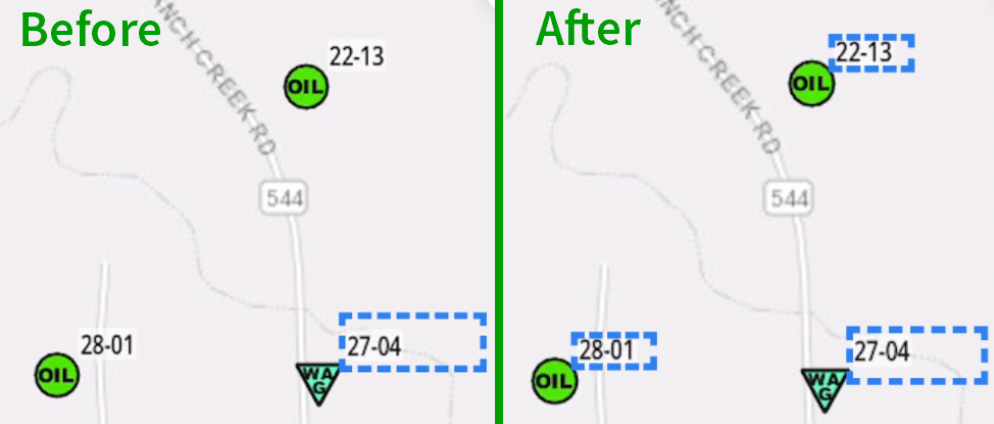
Enhanced Text Detection finds text that standard detection can miss.
2025 feature highlights
As we start the new year, here are a few platform capabilities released in 2025 that continue to deliver value.
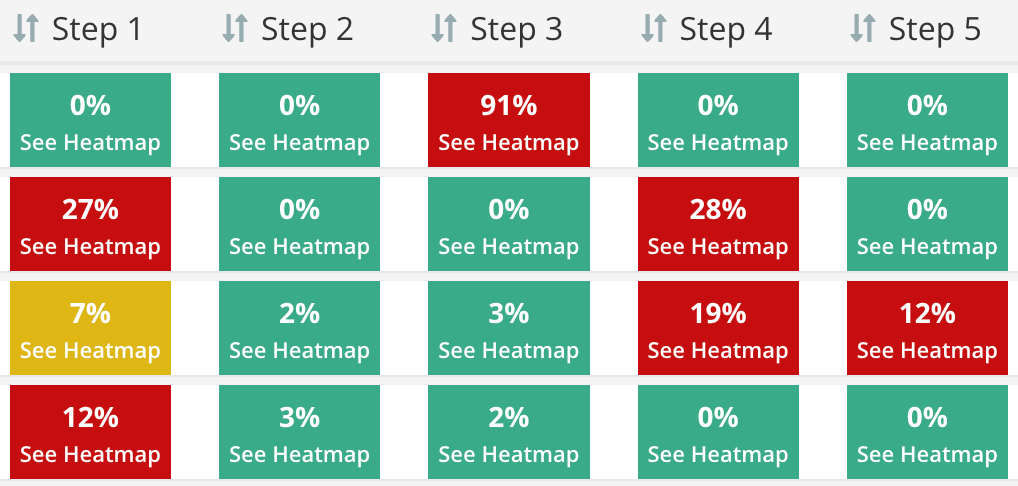
The Lesson Dashboard reveals engagement and drop-off at each step.
Lesson Dashboard and Heatmap
The Lesson Dashboard provides visibility into how learners move through content, highlighting:
- Engagement patterns
- Drop-off points
- Areas of friction
This helps teams improve lessons based on real usage rather than assumptions.
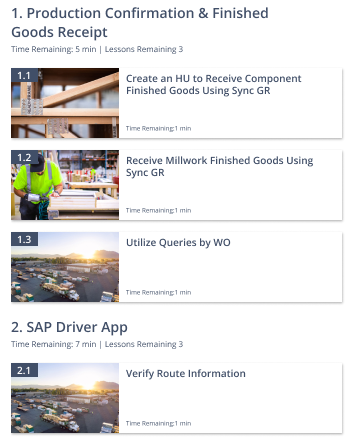
Simulator navigation improvements streamline the Learner experience.
Skyllful Simulator: Experience improvements
Throughout 2025, we introduced multiple updates to the simulator experience, including:
- Improved navigation
- QR Code scanning functionality to facilitate assignment enrollment
- Better web experience for the web version of the simulator
These improvements support both training and in-the-moment guidance for frontline users.
What's coming next?
As we look ahead to the new year, we'll be introducing a new assignment type, a new lesson mode, expanded system integrations and automations, and a broader use of AI, extending well beyond text detection, language translation, and text-to-speech.
2026 is already shaping up to be an exciting year for Skyllful!
Please continue bringing your ideas and requests forward so we can turn them into actionable platform improvements that effectively target your needs.