
Overview
The latest release of Skyllful includes enhancements that span the entire platform with the aim of improving learner experience, making it easier for instructional designers to create screen replications and improving the instructional design experience.
Let's take a look at some of the significant features you'll discover.
Skyllful Studio: Screen Replication
Bulk Edits and Conversions
Select multiple screenshots or screen replicas from the Screen Library to convert or edit in bulk.
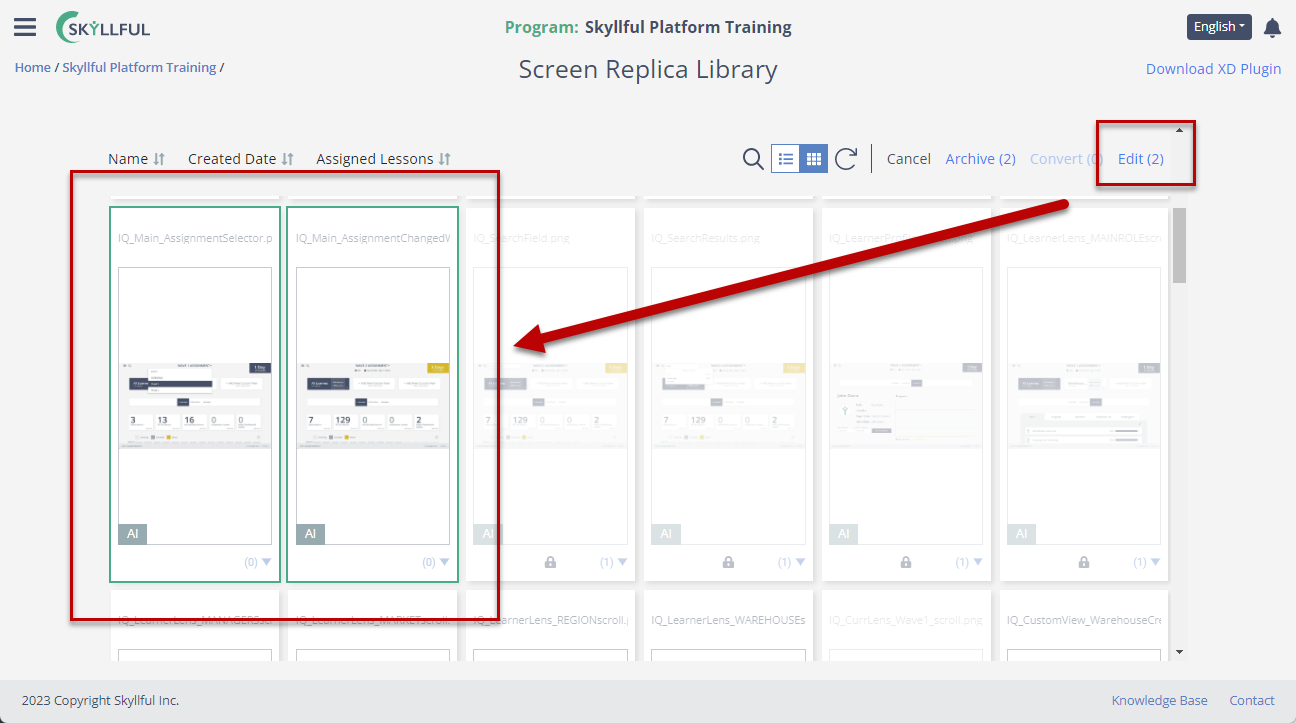
Bulk screen selection in the Screen Library.
Keyboard Commands
Utilize keyboard commands to create efficiency in editing screen replicas in ReplicaMaker:
- CMD/CTRL C
- CMD/CTRL V
Position Anchoring
Utilize position anchoring to align elements in ReplicaMaker.
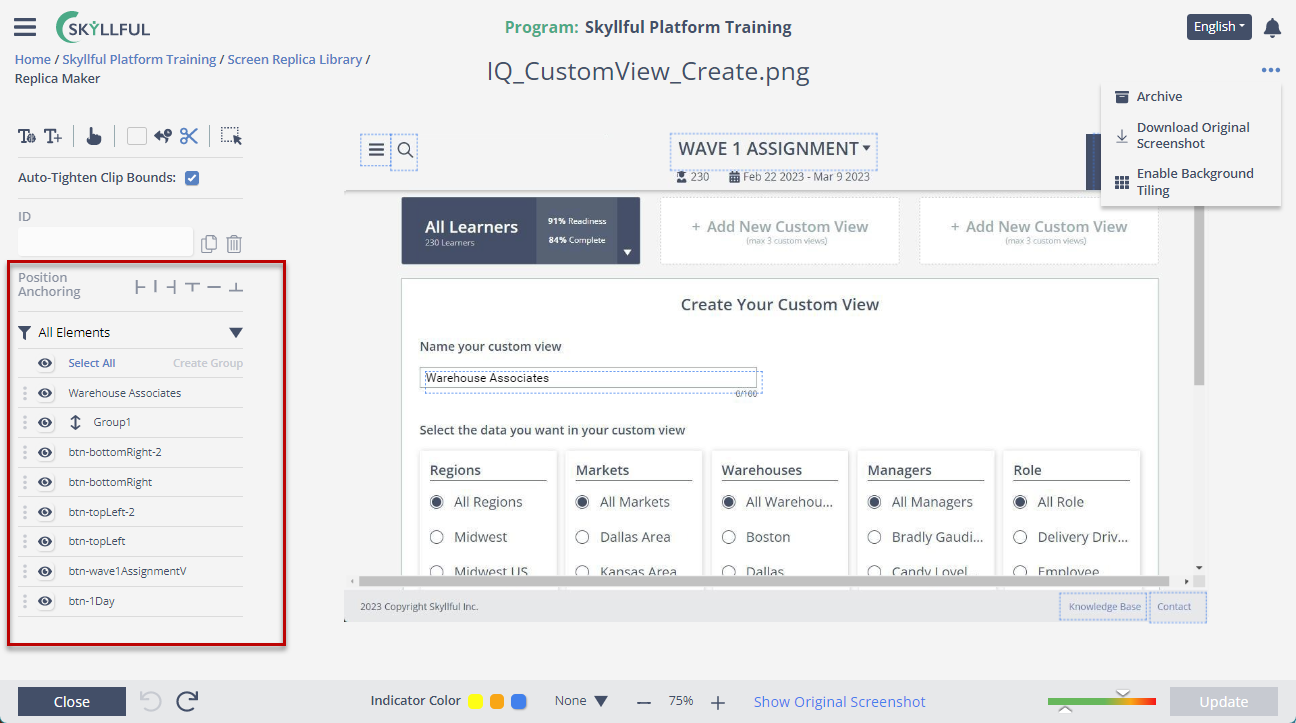
Position anchoring aligns elements in Replica Maker.
Skyllful Studio: Video Capture Tool
Append Lesson
Add screens to an existing lesson from Video Capture Tool.
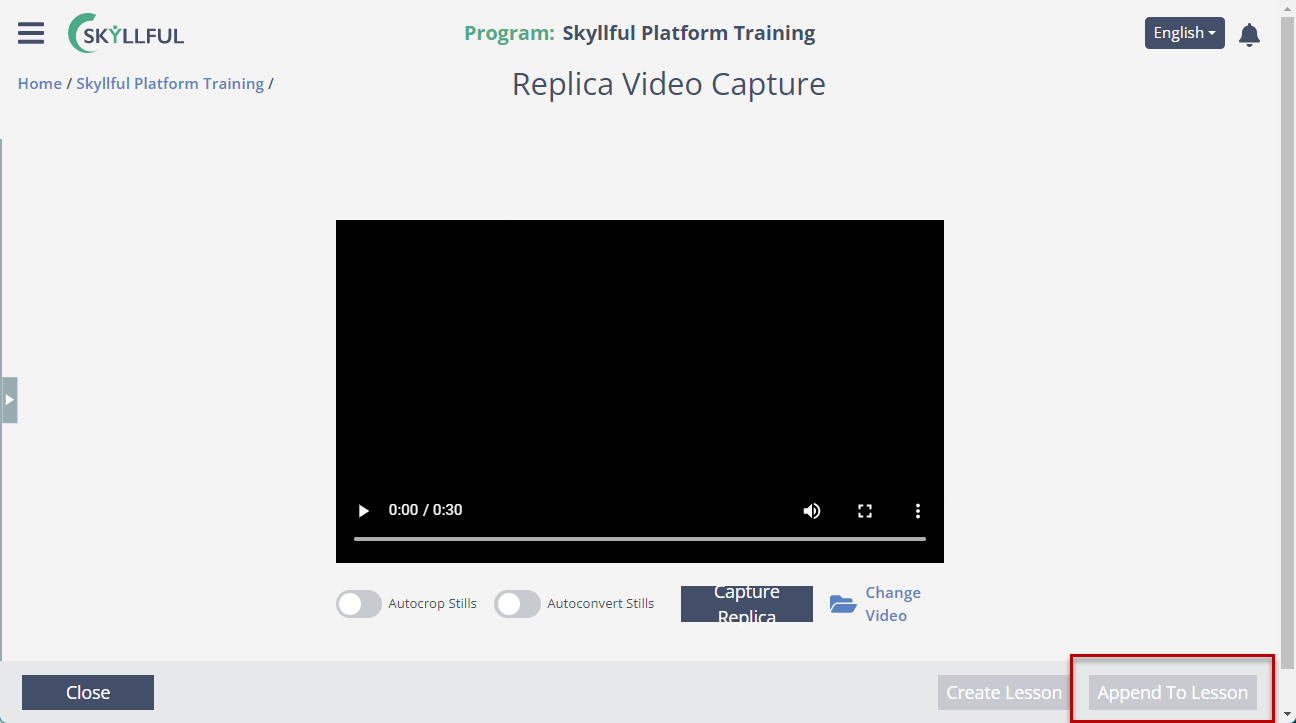
Append screens to an existing lesson from the Video Capture Tool.
Released January 10, 2023