
Overview
The latest release of Skyllful includes enhancements that span the entire platform with the aim of improving learner experience, making it easier for instructional designers to create screen replications and improving the learner experience.
Let's take a look at some of the significant features you'll discover.
Skyllful Studio: Screen Replication
AI Auto Conversion Controls
Controls to enable/disable the auto converting of a screenshot into an AI replica.
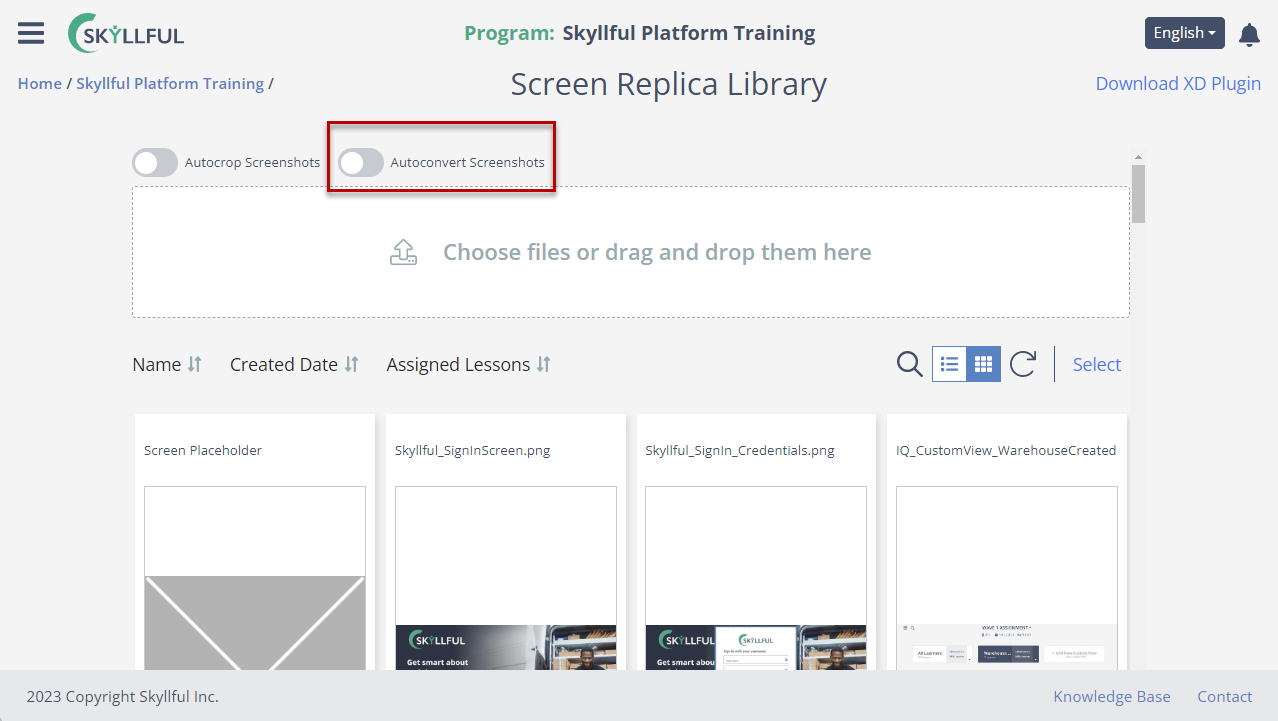
Screen Replica Library autoconvert toggle.
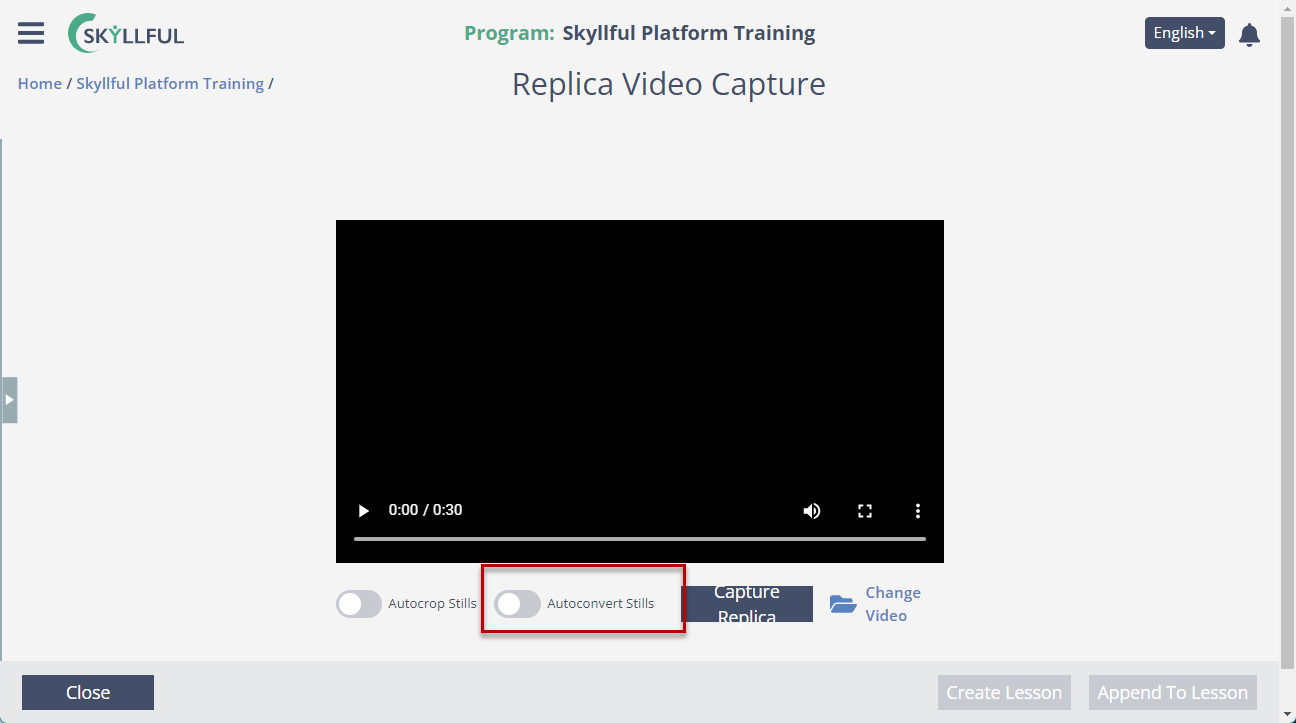
Replica Video Capture autoconvert toggle.
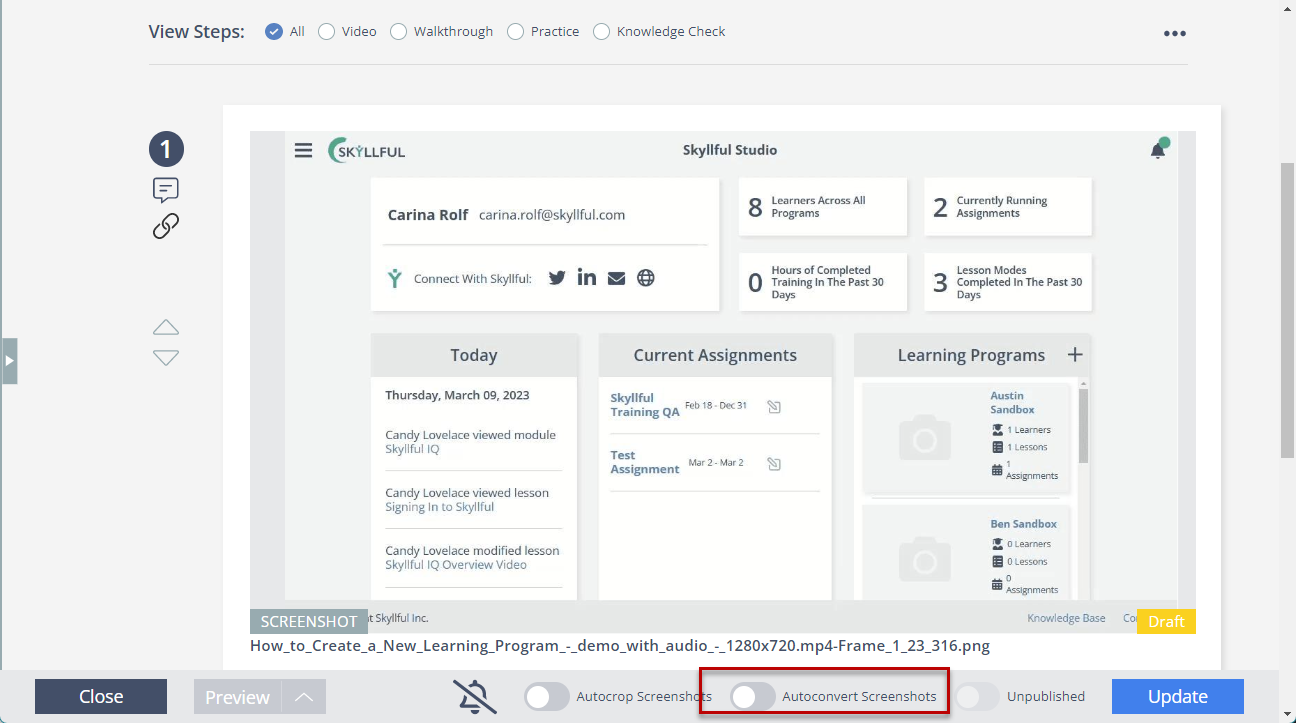
Screen Replica Maker autoconvert toggle.
AI Detection Preferences
Ability to specify what you want the AI to detect.
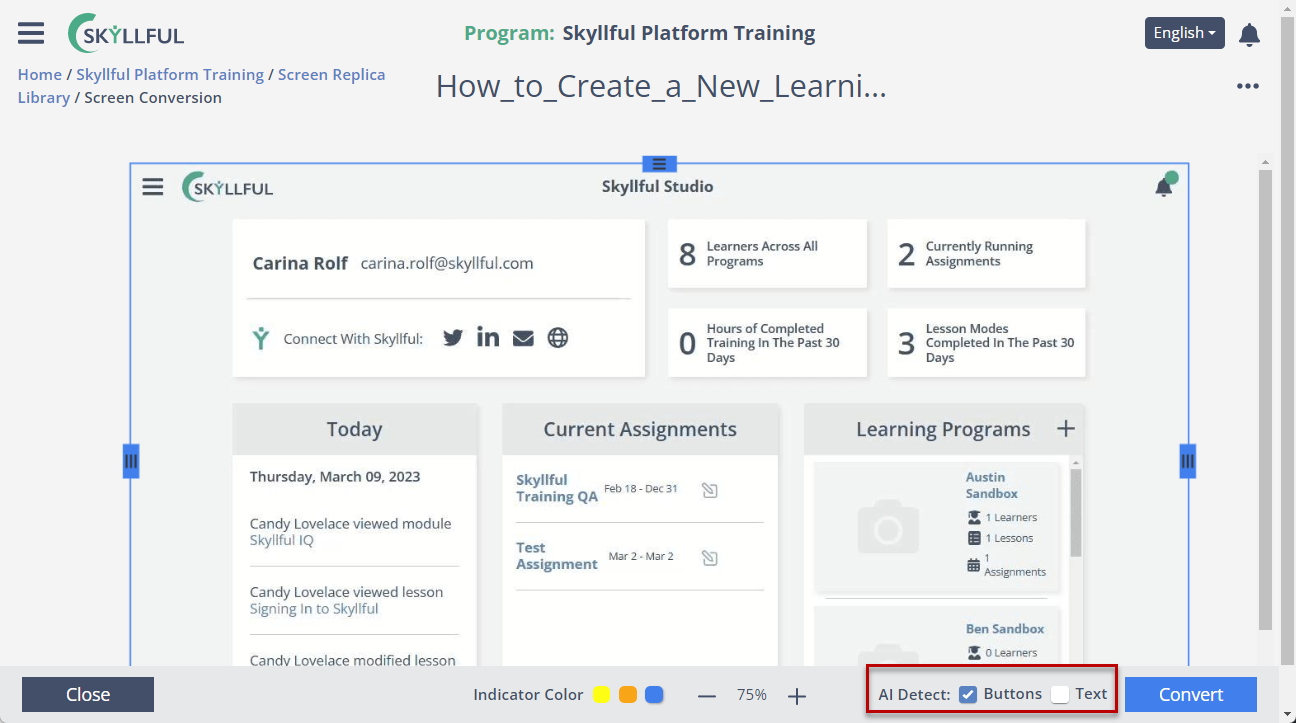
AI detection preferences.
Screenshot Cropping
Screenshot Cropping Controls.
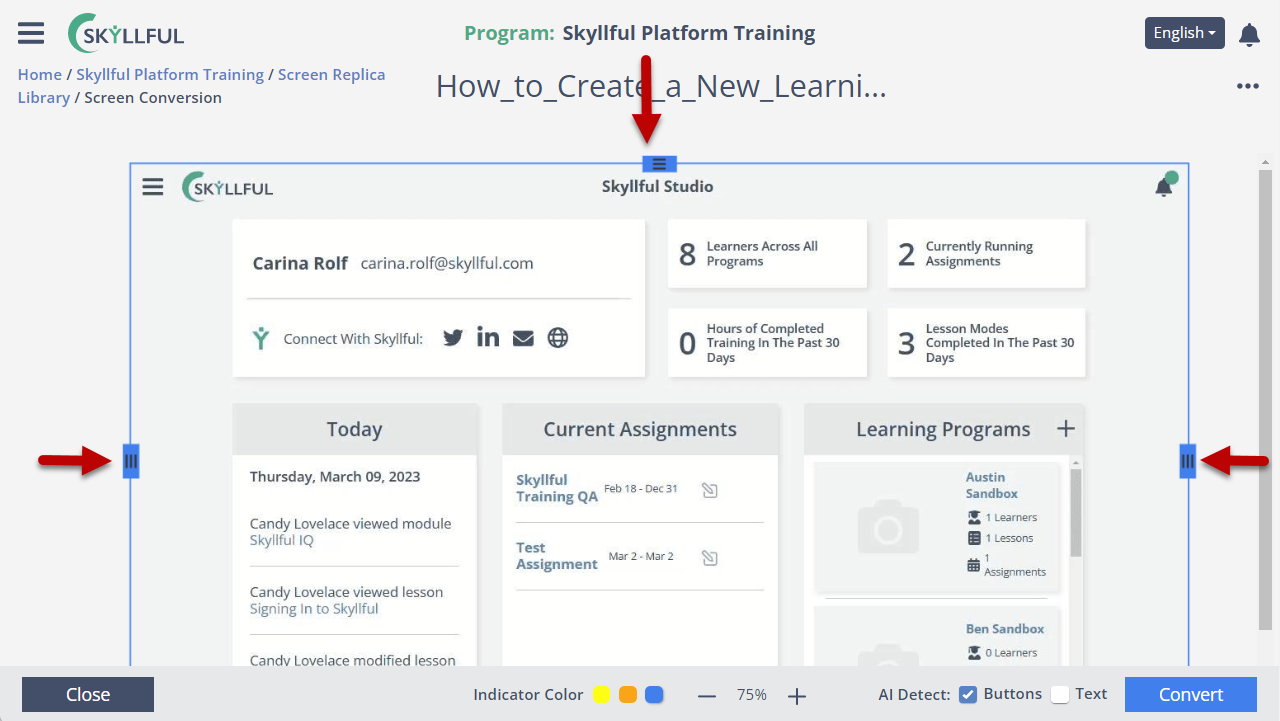
Screenshot cropping controls.
Text to Speech Selections
Specify what Text-to-Speech says by selection.
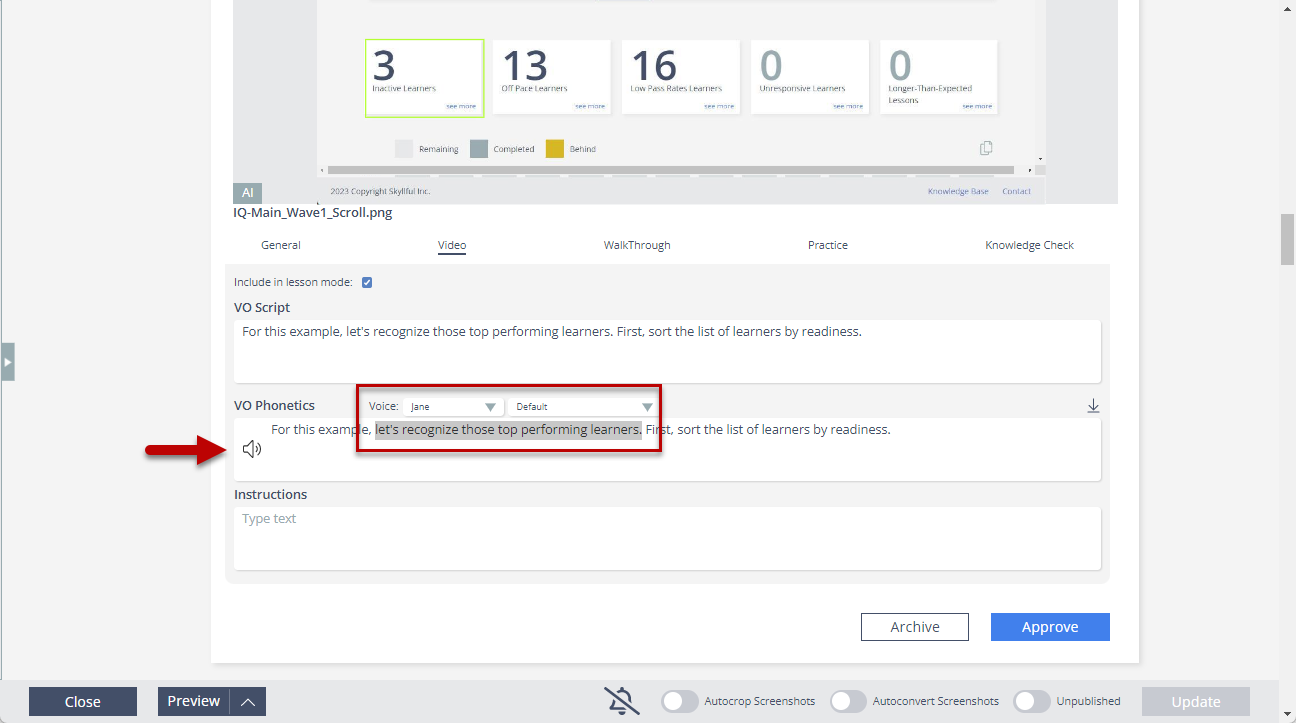
Text-to-speech selection.
Skyllful Simulator
Pull to Refresh
"Pull to Refresh" on the module details screen.
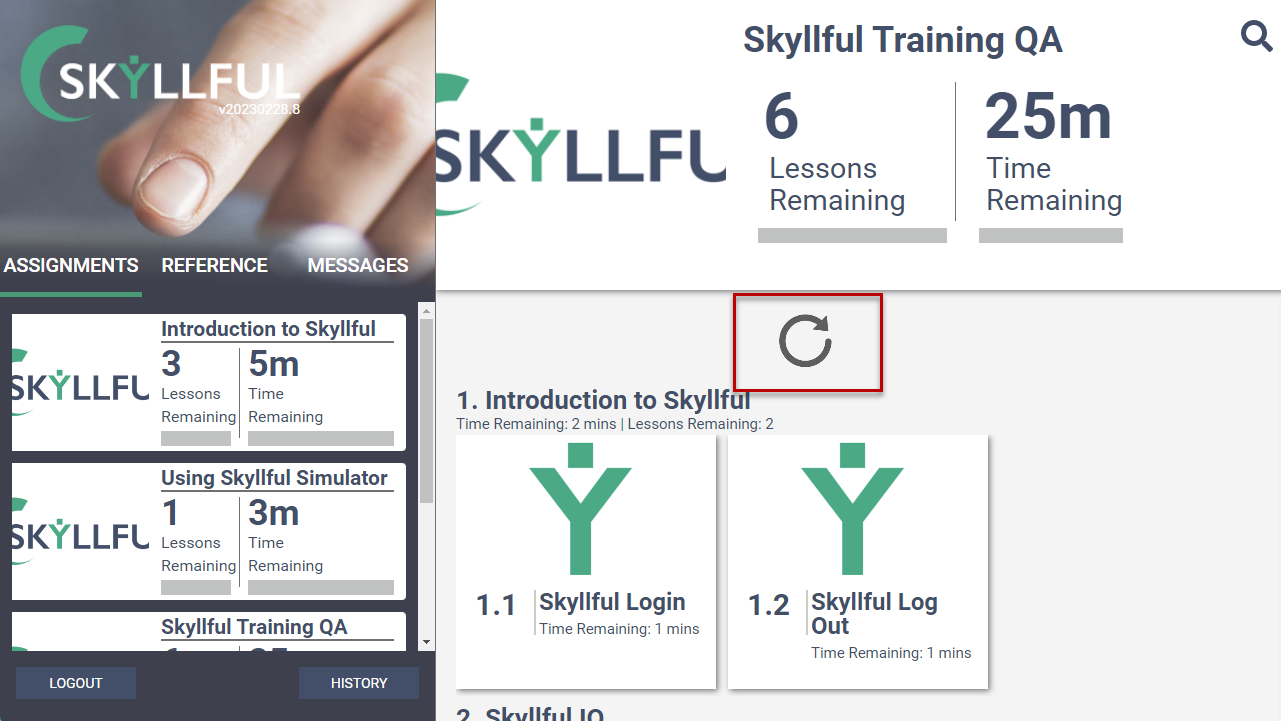
Pull to refresh on the module details screen.
Learner Messaging
Better messaging when there are no assignments in web simulator.
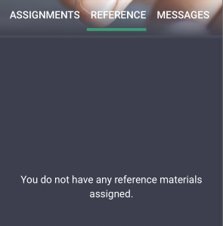
Learner messaging when no assignments exist.
Released December 7, 2022