

What's new in this release?
Discover the latest enhancements to the Skyllful platform! This month, we're thrilled to unveil significant refinements to the Lesson Builder and Replica Maker experiences.
Skyllful Studio: Enhanced lesson distribution options
Our latest update reduces the amount of backtracking users have to do to deliver lessons in Studio. Previously, Instructional Designers would have to leave Lesson Builder after hitting the "Publish" switch and navigate to the Assignments administrator section of Studio.
To streamline this workflow and eliminate unnecessary steps, we've introduced an intuitive solution: the Distribute button, conveniently located in the lower right corner next to the "Publish" switch.
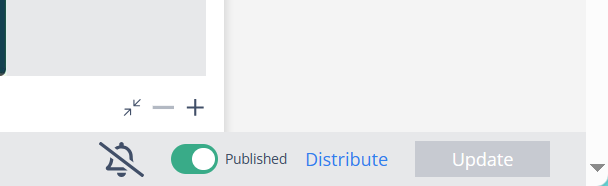
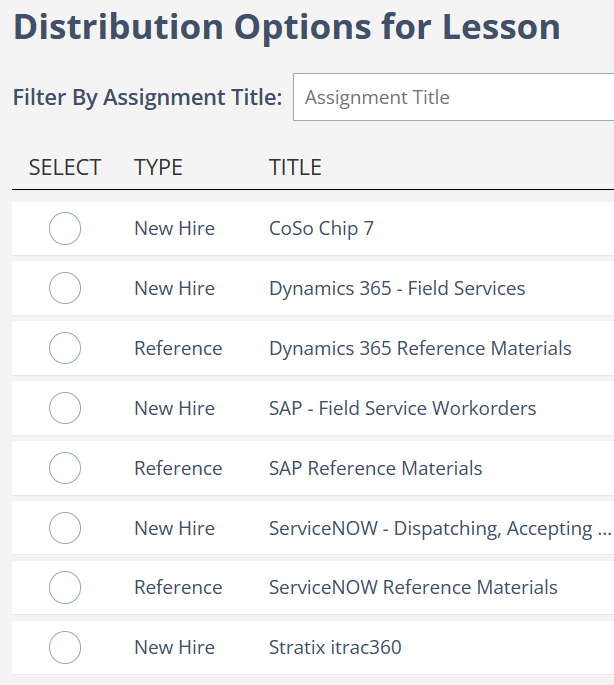
Distribute a lesson to assignments without leaving Lesson Builder.
Now, content creators can effortlessly select what assignments a lesson should go to from a single screen.
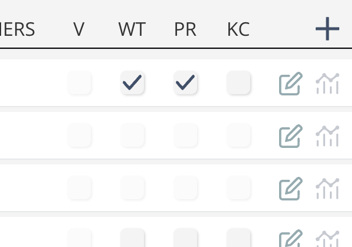
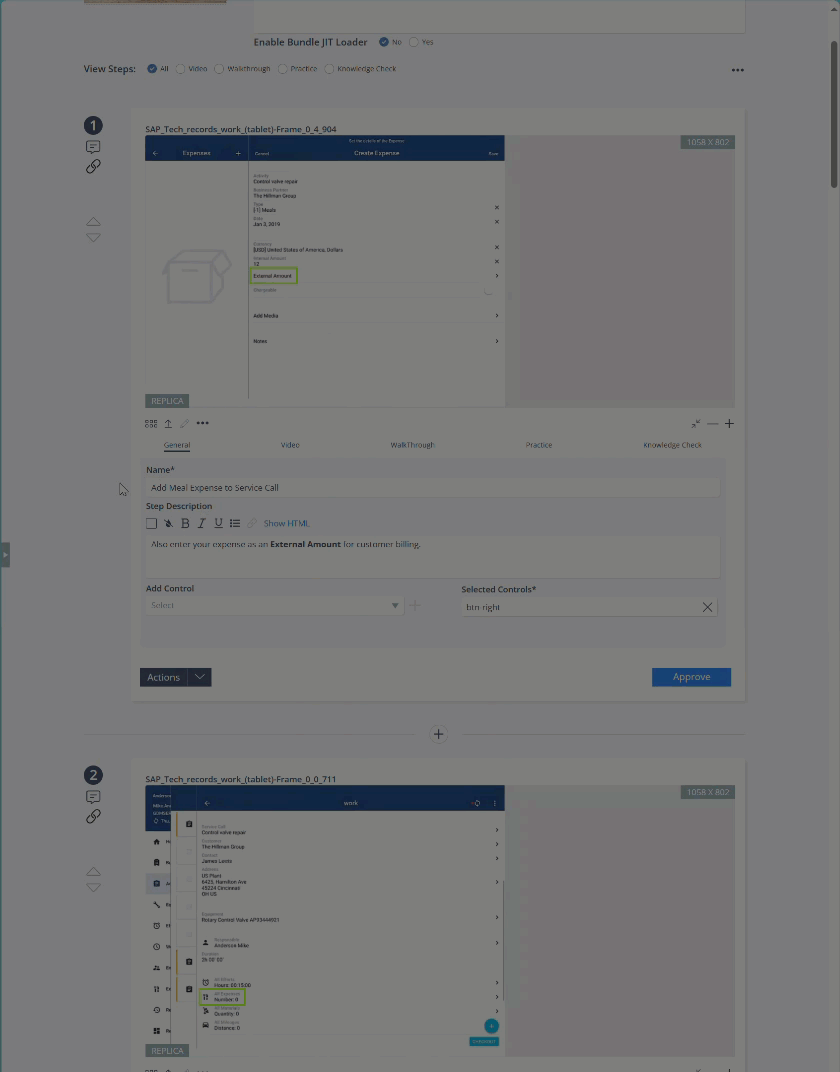
Browse assignments, select modes, edit or create assignments, and view analytics in one place.
Users can browse existing assignments, select modes for the lesson, edit/create assignments, and access analytics without leaving Lesson Builder.
Additional updates
Ability to reorder Lesson steps in the tray
In the past, Instructional Designers faced the challenge of manually adjusting the sequence of lesson steps by repeatedly clicking the step's order button up or down, a process prone to tedium and errors. With our latest update, Studio users can now effortlessly drag and rearrange screens within the step tray!
Repositioned tool panel in Replica Maker
Responding to user feedback, we've relocated the tool panel to the right side. This adjustment addresses the previous issue where the tool panel obscured other elements within Replica Maker. With this enhancement, Instructional Designers can now seamlessly edit their replicas with improved visibility and ease of use.
As always, we are continuously incorporating feedback from customers, prospects, and partners into enhancements for Skyllful. Keep an eye out for even more exciting improvements coming next month.