
Before you begin
Open the Learning Program you are working in before you upload. The upload options are in Quick Links at the bottom of the Learning Program Overview screen. Decide where your file belongs before you start.
If you have |
Upload it through |
|---|---|
| A workflow video you will turn into screen Replicas | Replica Video Capture |
| A screenshot of a workflow screen | The Screen Library |
| A video you want to store for later, or use in a Lesson | The Video Library |
How do you upload a workflow into Studio?
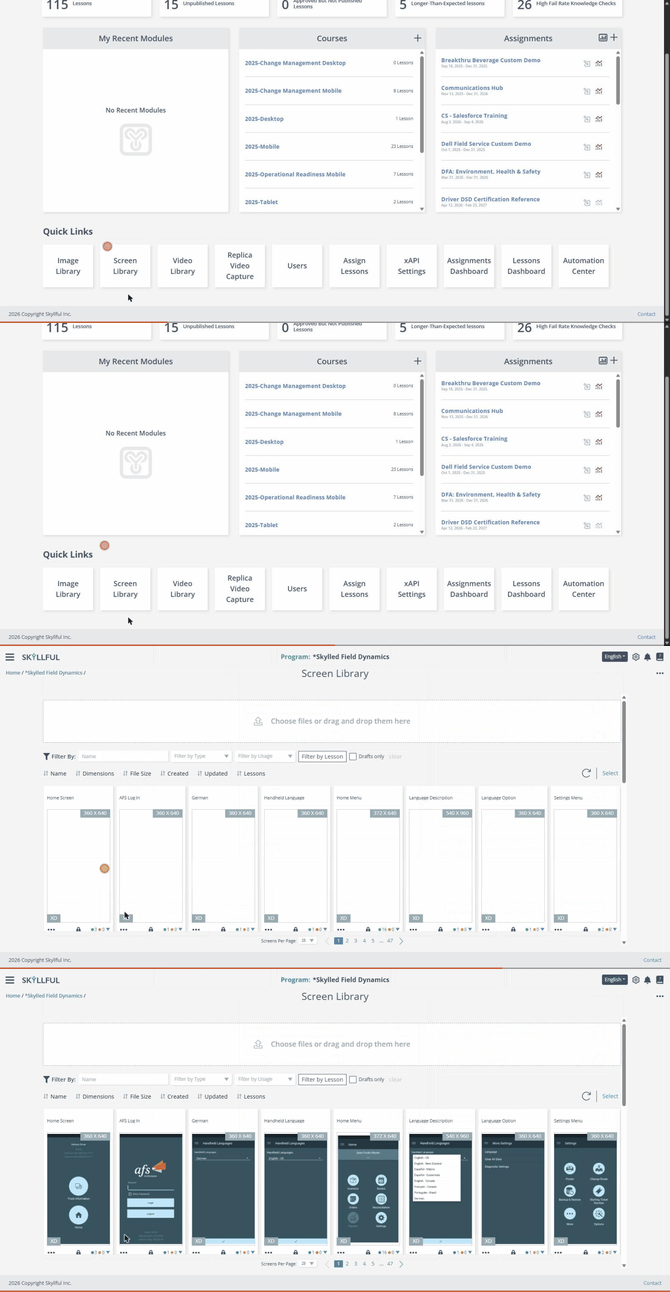
Scroll to Quick Links on the Learning Program Overview screen, then open the destination for your file.
Step |
Action |
|---|---|
| 1 | Sign in to Skyllful Studio. |
| 2 | Open a Learning Program. From the Home screen, select the Learning Program in the Learning Programs card, or open it from the Hamburger Menu. |
| 3 | On the Learning Program Overview screen, scroll to Quick Links at the bottom of the screen.
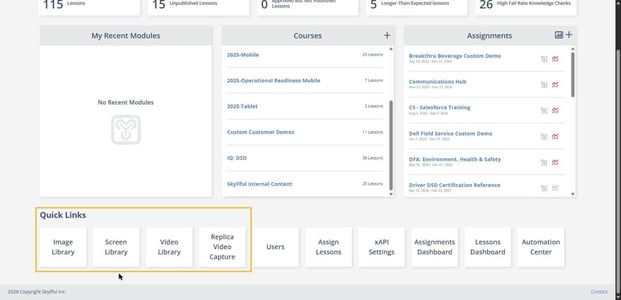 The upload destinations in Quick Links: Image Library, Screen Library, Video Library, and Replica Video Capture. |
| 4 | Select where to upload your file. Select Replica Video Capture to upload a workflow video you will capture screens from, or select the Screen Library to upload a screenshot. |
| 5 | Upload your file. Each destination shows an upload area: select Choose files or drag and drop them here in a library, or Choose or upload video in Replica Video Capture. A video cannot exceed 1 GB. |
| 6 | Wait for the file to fully load before you leave the screen. |
What happens after you upload?
Skyllful Studio uploads and processes the file. Wait until the file fully loads before you leave the screen, or the upload may not finish. An uploaded screenshot appears in the Screen Library, and an uploaded video appears in the Video Library, ready for the next step in building your content.
If the Learning Program uses Local Data Masking, an uploaded screenshot is held in your browser for data review before it uploads.
What if you do not see an upload option?
The Learning Program's Replica Capture Settings control whether users can upload source videos. If an upload option you expect is missing, ask your Local Administrator to check the Learning Program Settings.
What if the upload does not work?
Contact your Local Administrator first. If your Local Administrator cannot resolve the issue, submit a case through the Skyllful support portal.
Skyllful Knowledge Base | Content Developers, Instructional Designers